- Clicks without calls is almost always a problem after the click, not a targeting problem.
- The six usual causes: a weak offer, an ad that doesn't match the page, landing-page friction, the wrong form length, slow follow-up and the wrong campaign objective.
- Following up within about five minutes, ideally automatically, is often the biggest single fix.
- Optimize campaigns for leads or conversions, with the Meta Pixel and Conversions API tracking real actions.
- First, find where people drop off
- Cause 1: Your offer isn't worth acting on
- Cause 2: The ad and the page don't match
- Cause 3: The landing page creates friction
- Cause 4: The form asks too much (or too little)
- Cause 5: Leads aren't followed up fast enough
- Cause 6: Facebook is optimizing for the wrong thing
- A 7-day fix plan
- FAQ
Most business owners react to "clicks but no calls" by changing the audience: new interests, new age ranges, new lookalikes. Sometimes that helps. Usually it doesn't, because the click already proves the ad reached someone curious enough to tap it. The leak is almost always after the click.

Watch: why the problem is usually the follow-up, not the leads. Your Leads Aren’t Bad. Your Follow-Up Is.
First, find where people drop off
Before changing anything, look at the journey as four steps and find the weakest one:
- Click: the person taps your ad (your click-through rate tells you this works).
- Land: the page actually loads and holds them (check how many clicks become page views).
- Act: they call, book or submit a form.
- Respond: your business gets back to them while they still care.
If you get plenty of clicks but far fewer page views, the page is slow or broken on mobile. If page views are healthy but nobody acts, it's the offer, the page or the form. If you do get form fills but no booked calls, it's your follow-up. Each of those has a different fix.
Cause 1: Your offer isn't worth acting on
"Contact us today" or "Get a quote" asks for effort and gives nothing back. A stranger scrolling at 9pm has no reason to pick up the phone. A strong offer makes the next step feel small and valuable.
- Weak: "Call us for a consultation."
- Better: "Book a free 15-minute roof check. See photos of your roof before you decide anything."
- Better: "New patients: exam and X-ray this month, booked online in 60 seconds."
The best offers are specific, low-risk and easy to say yes to. If you change only one thing from this guide, change the offer. It usually moves results more than any targeting tweak.
Cause 2: The ad and the page don't match
If the ad promises "same-day AC repair" and the click lands on your homepage with a slider about your company history, people bounce. They clicked for one specific thing and couldn't see it in two seconds.
Every ad should land on a page whose headline repeats the same promise, with the same image style and the same call to action. One campaign, one message, one page.
Cause 3: The landing page creates friction
Most Facebook traffic is mobile, impatient and distracted. A landing page that works for that visitor has:
- A headline that repeats the ad's promise, visible without scrolling
- One clear action: a call button, a booking calendar or a short form (not all three competing)
- A tap-to-call phone number at the top on mobile
- Proof close to the button: reviews, before-and-after photos, recognizable logos or a short video
- Fast loading on mobile data (heavy sliders and auto-playing videos hurt here)
- No menu links pulling people away to "About" or "Blog" pages
Cause 4: The form asks too much (or too little)
Long forms kill conversions: every extra field is another reason to quit. But very short forms create a different problem: lots of low-quality leads who never answer the phone.
The balance that usually works: name, phone, email, plus one or two qualifying questions that matter to you, such as "What service do you need?" or "When are you looking to start?". If you use Facebook's built-in Lead Forms, consider the "higher intent" option, which adds a review step and filters out accidental submits.
Cause 5: Leads aren't followed up fast enough
This is the most expensive leak, and the most common one we see. A lead fills in the form while they're interested. If nobody replies for hours, or until the next morning, they've already called a competitor or simply forgotten.
The fix is a follow-up system, not more willpower:
- Instant reply: an automated SMS and email within seconds ("Thanks Sarah, here's a link to pick a time").
- Self-booking: a calendar link so the lead can book without waiting for you.
- Alerts: a notification to your phone or team the moment a lead comes in.
- Reminders: a short sequence over the next few days for anyone who didn't book.
- One place for every lead: a simple CRM, so nobody falls through the cracks.
This is exactly where automation pays for itself: it doesn't get busy, take lunch breaks or forget to call back. (This is the core of the lead follow-up systems I build.)
If you're not sure what to actually say in those first messages, I've shared copy-ready follow-up text and email scripts (written for real estate, but the structure works for any service business). For appointment-based businesses, the same thinking applies after the booking too: see how to reduce no-shows with two-way confirmations.
Cause 6: Facebook is optimizing for the wrong thing
Facebook gives you more of whatever you tell it to optimize for. If your campaign objective is "Traffic" or "Link clicks", it finds people who love to click, not people who book.
- Use a Leads or Sales/Conversions objective.
- Make sure the Meta Pixel and Conversions API record the real action (a form submit or a booking), not just a page view.
- Give a new campaign enough time and budget to learn before judging it. Constant daily changes reset that learning.
A 7-day fix plan
- Day 1: Click your own ad on your phone and write down every moment of friction.
- Day 2: Rewrite the offer so it's specific, low-risk and valuable.
- Day 3: Make the landing page headline match the ad, and leave one clear action.
- Day 4: Trim the form to the essentials plus one qualifying question.
- Day 5: Set up instant SMS and email replies with a booking link.
- Day 6: Check that the pixel tracks the real conversion, and switch to a Leads or Conversions objective.
- Day 7: Launch, then leave it alone long enough to collect real data before changing anything else.
If you'd rather have this handled end to end, see how I run Facebook & Instagram ads for small businesses, or compare it with Google Ads management if your customers are already searching for you.
FAQ
Why am I getting Facebook ad clicks but no leads?
Usually because of what happens after the click: a weak offer, a slow or confusing landing page, a form that asks too much, or leads that aren't followed up within minutes. Targeting is rarely the main cause.
How fast should I follow up with a Facebook lead?
Within five minutes if you can. Leads go cold fast, and the business that replies first usually wins the booking. Automated SMS and email replies make instant follow-up possible even when your team is busy.
Should I use Facebook Lead Forms or a landing page?
Lead Forms get more leads at a lower cost but often lower quality; a landing page gets fewer but more serious enquiries. Many businesses do best with a Lead Form that includes one or two qualifying questions, plus instant automated follow-up.
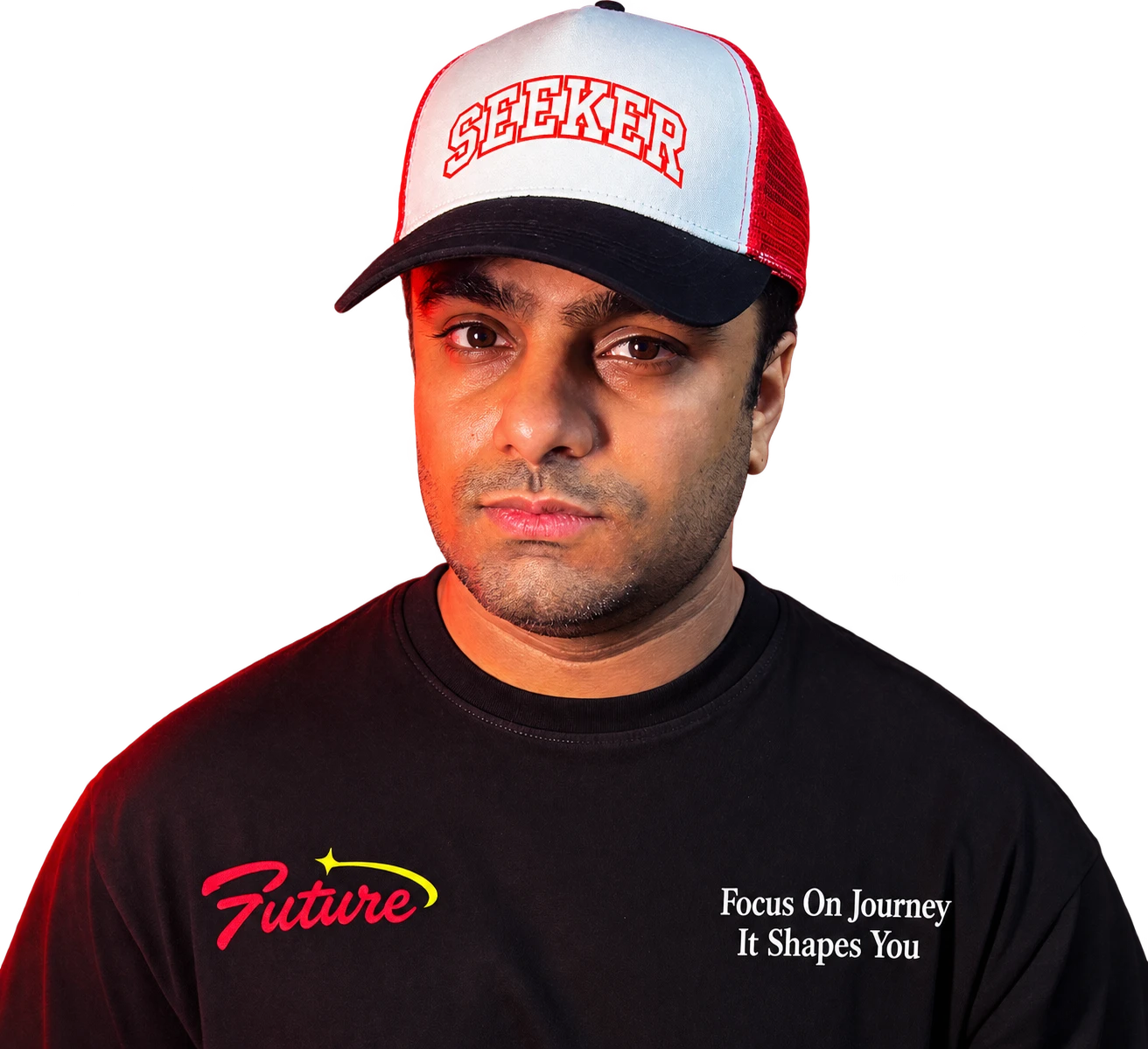
Aftab Ahmed builds AI automation, lead follow-up systems and Google and Facebook ad campaigns for US small businesses, after 8+ years in design and marketing. He writes about what actually turns ad clicks and calls into booked appointments.
Want me to find your leak?
Book a free 30-minute call. I'll look at your ads, landing page and follow-up, and show you exactly where enquiries are slipping away.
Book a free call →